macOS 27 Golden Gate: Compatible Macs, Siri AI and the End of Intel
macOS 27 Golden Gate is here with Siri AI and a refined Liquid Glass design, and it drops Intel Macs. See the compatible Macs, key new features, Siri AI limits and how to upgrade safely.
 Milad Mostafaei
10 min read
Updated: November 3, 2026
Milad Mostafaei
10 min read
Updated: November 3, 2026
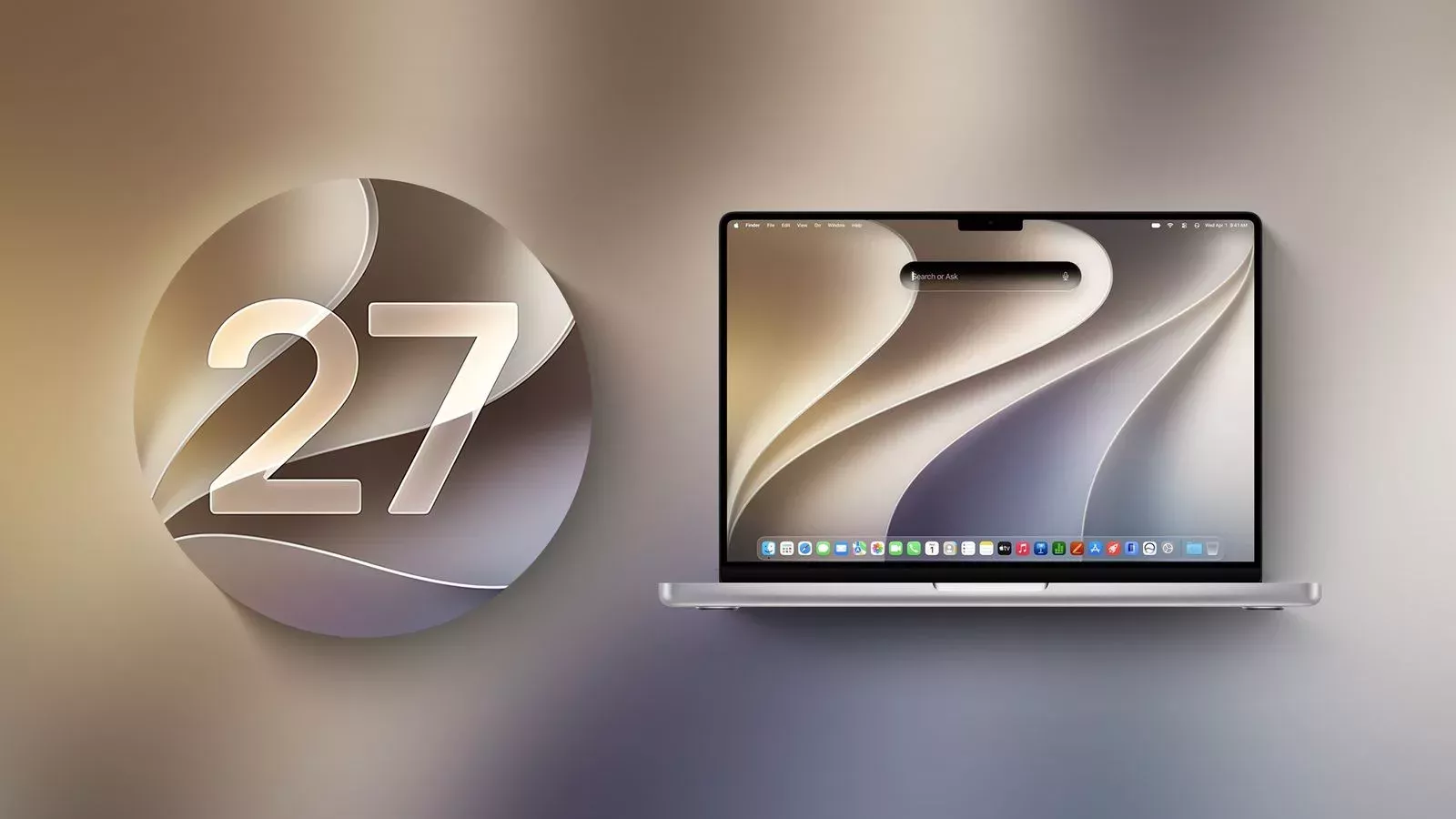
Table of contents
- macOS 27 release date and name
- Compatible Macs: Intel support ends
- Intel apps and Rosetta 2
- Siri AI on the Mac
- Visual Intelligence on your screen
- Siri AI limits
- Refined Liquid Glass and a smarter Spotlight
- Safari, Continuity and app updates
- Safari
- iPhone Mirroring and Continuity
- Photos, Shortcuts and more
- Performance
- Availability: who should care
- How to update to macOS 27 with a Time Machine backup
- Frequently asked questions
- Can I install macOS 27 on an Intel Mac?
- Does Siri AI work on an M1 Mac?
- What languages does Siri AI support on the Mac?
- Will Intel apps still run on macOS 27?
- Conclusion
macOS 27, officially named macOS Golden Gate, arrived on Monday, September 14, 2026, alongside iOS 27. Named after San Francisco's famous bridge, it brings Siri AI to the Mac. It also draws a line under an era: this is the first version of macOS that runs only on Apple silicon.
This guide covers which Macs can run macOS 27, what happens to Intel Macs and Intel apps, and the new features worth your attention. You will also find a short look at where Siri AI is and isn't available, plus a step-by-step upgrade guide that starts with a Time Machine backup.
macOS 27 release date and name
Apple unveiled macOS Golden Gate at WWDC 2026 on June 8. A developer beta followed right away, and a public beta opened in July. The final release shipped on September 14 as a free update.
Apple released iOS 27, iPadOS 27, watchOS 27, tvOS 27 and visionOS 27 on the same day. Many features are shared across devices, so if you also use an iPhone, see our guide to iOS 27 new features and compatible iPhones.
Compatible Macs: Intel support ends
When Apple introduced macOS 26 Tahoe, it said Tahoe would be the last release for Intel Macs. That is now official: macOS 27 does not install on any Intel Mac. According to Apple, it runs on every Mac with an M-series chip, plus the MacBook Neo with its A18 Pro chip.
| Mac model | Runs macOS 27 | Siri AI and Apple Intelligence |
|---|---|---|
| MacBook Neo (2026) | Yes | Yes |
| MacBook Air with Apple silicon (2020 and later) | Yes | Yes |
| MacBook Pro with Apple silicon (2020 and later) | Yes | Yes |
| iMac with Apple silicon (2021 and later) | Yes | Yes |
| Mac mini with Apple silicon (2020 and later) | Yes | Yes |
| Mac Studio (2022 and later) | Yes | Yes |
| Mac Pro with Apple silicon (2023) | Yes | Yes |
| All Intel Macs | No (they stay on macOS 26 Tahoe) | No |
There is a catch for older Apple silicon. Macworld reports that the most advanced features, including the more powerful on-device model, the new expressive Siri voices and advanced dictation, need an M3 or later chip with at least 12GB of unified memory. M1 and M2 owners get Siri AI, but not the full package.
Intel apps and Rosetta 2
On Apple silicon Macs, Intel-only apps still run through Rosetta 2. However, Apple says macOS 27 is the last release to include Rosetta as a general-purpose translation layer. From macOS 28, most apps without an Apple silicon build will stop working. A new tool in System Settings lists the Intel apps you have used in the past year, so you can plan ahead. Wikipedia also notes that Boot Camp and AFP file-sharing support have been removed.
Siri AI on the Mac
Siri in macOS 27 is a conversational assistant. Apple says Siri AI is powered by Apple Intelligence, and 9to5Mac reports that the work involves a partnership with Google's Gemini model. Highlights include:
A standalone Siri app: your conversation history is saved and synced across devices via iCloud.
Personal context: Siri draws on Messages, Mail, Notes, Photos and your files to give specific answers.
World knowledge: it answers general questions with current information from the web.
App actions: it works with Apple and third-party apps through the App Intents framework.
Ask Siri everywhere: right-click text, an image or a file and send it straight to Siri.
Visual Intelligence on your screen
Press Command-Shift-Space and select a window. Siri can then answer questions about what is on screen or act on it. That makes it handy for summarizing a document or making sense of an image.
Siri AI limits
At launch, Siri AI works in English only. 9to5Mac says French, Japanese, Korean, Portuguese and Spanish follow in October.
Apple's footnote limits the initial EU exclusion to iOS, iPadOS and watchOS, and Macworld says Siri AI is available on the Mac in the EU.
It is not available in mainland China while regulatory approval is pending.
Some Apple Intelligence features have daily usage limits, and AppleInsider reports that access to Siri AI goes through a waitlist.
Refined Liquid Glass and a smarter Spotlight
The Liquid Glass design introduced in Tahoe now has stronger contrast and better readability. A new slider in System Settings lets you pick anything from ultra-clear to fully tinted. The window buttons have been redesigned, window corners are now standardized, and the active window stands out more clearly.
In Spotlight, you can now choose "Ask Siri" as the top hit and ask your question on the spot. Apple also mentions better search suggestions and faster indexing of shortcuts and actions. Pull-to-refresh arrives in Safari, Calendar and several other apps.
Safari, Continuity and app updates
Safari
Safari can group tabs by topic automatically. Notify Me watches pages for changes such as price drops or restocks. With "Describe an Extension", you can create a Safari extension from a plain-language description. Apple also says the Start Page loads faster.
iPhone Mirroring and Continuity
The iPhone Mirroring window can now be resized. It also gives you access to Control Center and plays DRM-protected video. iPhone Mirroring remains unavailable in the EU. Sidecar gains full touch support, AirDrop is faster, and Messages syncs more reliably between devices.
Photos, Shortcuts and more
Photos: Spatial Reframing, an Extend tool, a stronger Clean Up, star ratings and a Captured by Me collection.
Shortcuts: describe an automation and it builds the shortcut for you.
Finder: suggests file and folder names based on their contents.
Notes: trackpad handwriting, expanded Markdown and links to sections within a note.
Passwords: flags weak or compromised passwords.
Screen Time: Ask to Browse and Time Allowances give parents more control.
Performance
Apple says macOS 27 launches apps faster thanks to an optimized CPU scheduler. It also claims quicker AirDrop transfers, faster network file browsing and faster iCloud Photos uploads, though it has not published specific numbers. Display support improves too, with 5K at 120Hz, HDR system interface elements and better window placement across external monitors.
Gamers get Game Porting Toolkit 4. Macworld cites tests in which GTA V on an M4 Pro MacBook Pro rose from about 106fps to 176fps. Those are third-party test results, not an Apple claim.
Availability: who should care
Everyone on a supported Mac gets the core upgrades: the refined design, new Safari tools, Finder and Notes improvements and the performance work. Siri AI is a different story. It launches in English only, and Apple Intelligence as a whole supports a fixed list of languages. Features also depend on your device language and region, and some may be missing in your country.
Intel Mac owners are the group most affected. They stay on Tahoe, and anyone relying on Intel-only software should push vendors for Apple silicon builds before macOS 28. Developers should treat this cycle as the last call for Rosetta.
How to update to macOS 27 with a Time Machine backup
Check that your Mac is on the list above: choose About This Mac from the Apple menu and look at the chip.
Connect an external drive with enough free space.
Open System Settings › General › Time Machine, click Add Backup Disk and select the drive.
Choose Back Up Now from the Time Machine menu bar icon and wait for the backup to finish.
If you depend on Intel-only apps, check whether they are still supported.
Plug in your Mac, join a stable Wi-Fi network and make sure you have plenty of free storage.
Go to System Settings › General › Software Update and click Upgrade Now for macOS Golden Gate.
After installing, give your Mac a few hours to finish Spotlight indexing before judging speed or battery life.
Frequently asked questions
Can I install macOS 27 on an Intel Mac?
No. macOS 27 runs only on Apple silicon Macs and the MacBook Neo. Intel Macs remain on macOS 26 Tahoe.
Does Siri AI work on an M1 Mac?
Yes, Siri AI works on all supported Macs. The most advanced features need an M3 or later chip with at least 12GB of memory.
What languages does Siri AI support on the Mac?
English only at launch. French, Japanese, Korean, Portuguese and Spanish are expected in October.
Will Intel apps still run on macOS 27?
Yes, through Rosetta 2. However, this is the last release with full Rosetta support, and most such apps will stop working in macOS 28.
Conclusion
macOS 27 Golden Gate brings a smarter Siri, a more readable Liquid Glass and a more useful Safari to the Mac. It also closes the Intel chapter for good and starts the countdown for Rosetta. If you own an Apple silicon Mac, upgrading after a Time Machine backup is a low-risk move.
Sources: Apple, MacRumors, 9to5Mac, Macworld, AppleInsider and Wikipedia (September 2026).
Comments (0)
No comments yet. Be the first!
Leave a comment